Christmas party entertainment
Christmas party entertainment, written from your colleagues' stories
Your colleagues have a whole year to tell stories about. They scan a QR code on the table or on the big screen and write one, and usually two to six minutes later it plays as a song in Danish for the whole room. You run it all from a phone, and nobody has to install anything. Songs from DKK 599.
How it works at the Christmas party
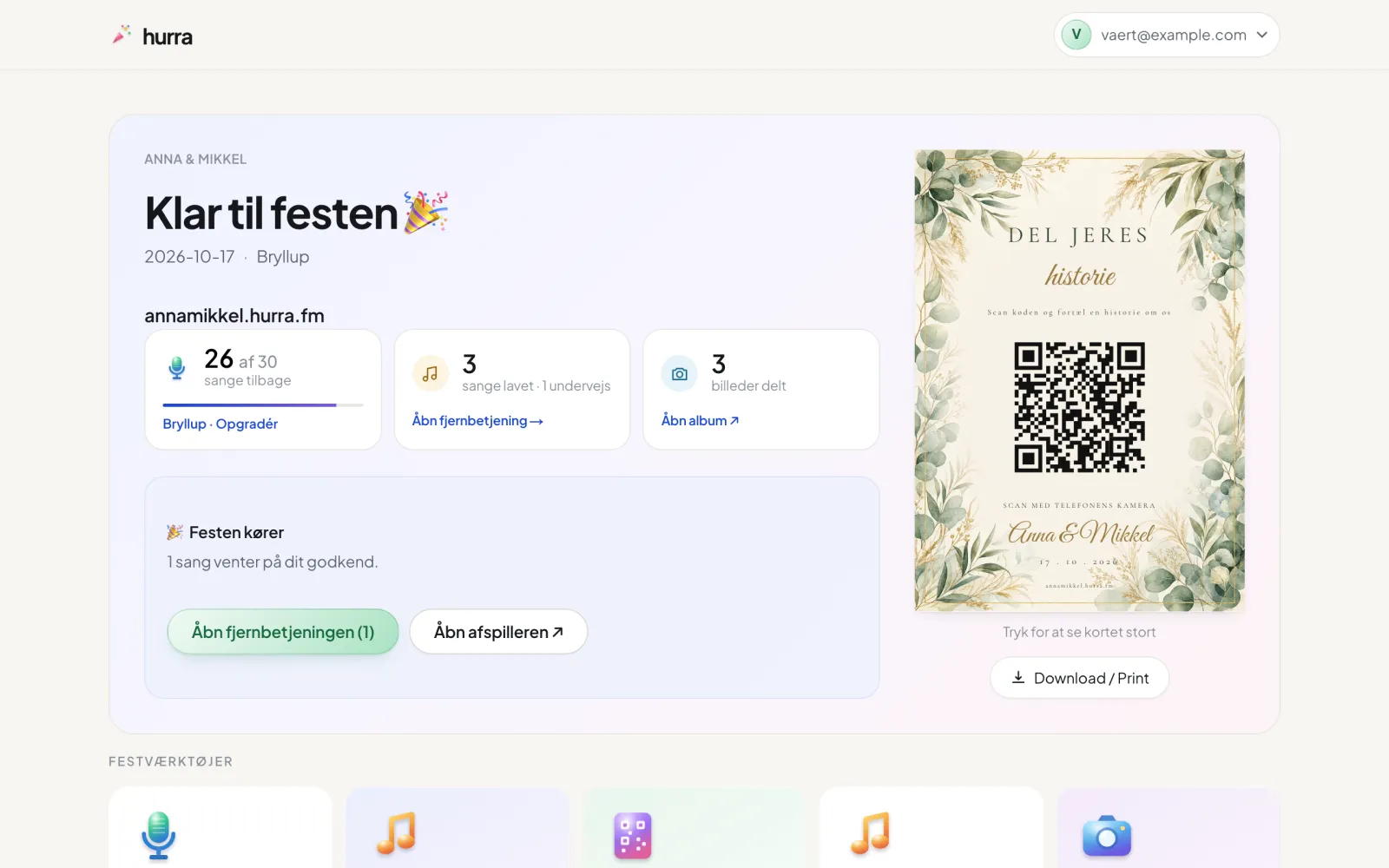
- Before the party: you pay, choose a name and design, and print the table cards from a PDF. Every card has your own QR code.
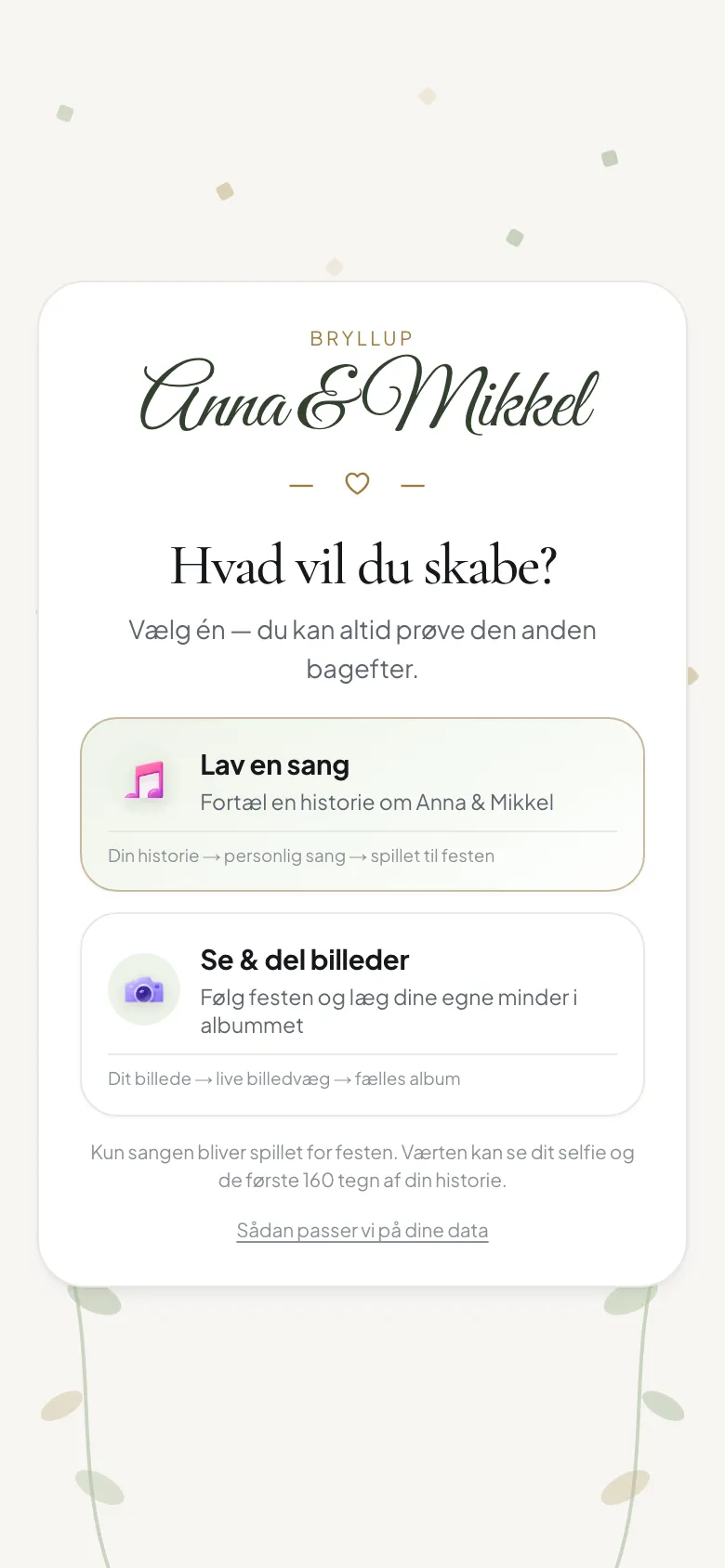
- During the party: a colleague scans the code with their phone camera, writes a story and picks a genre and a voice.
- Minutes later: the song is in your player and plays for the whole room while the story is still fresh.
Big screen and remote
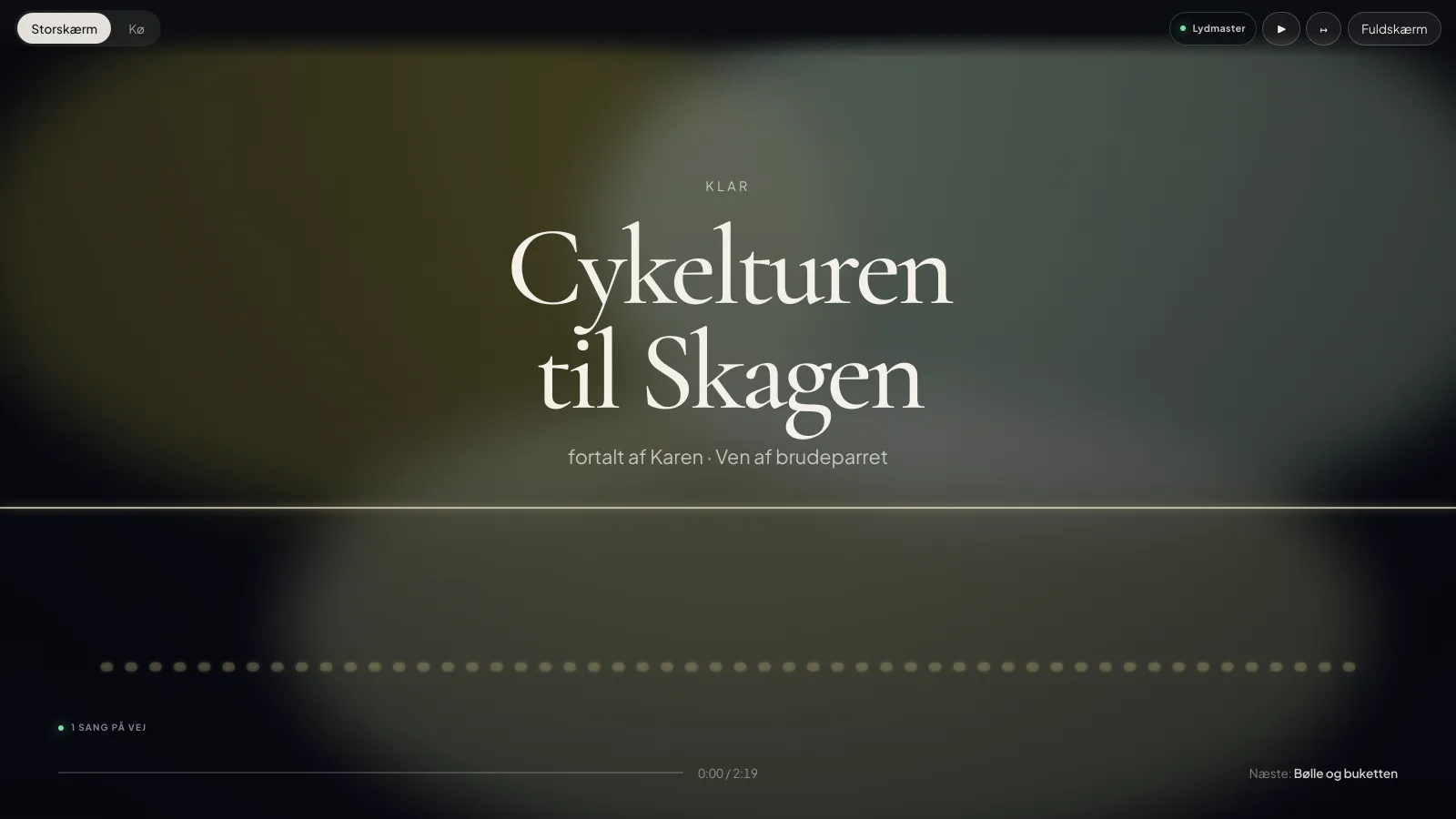
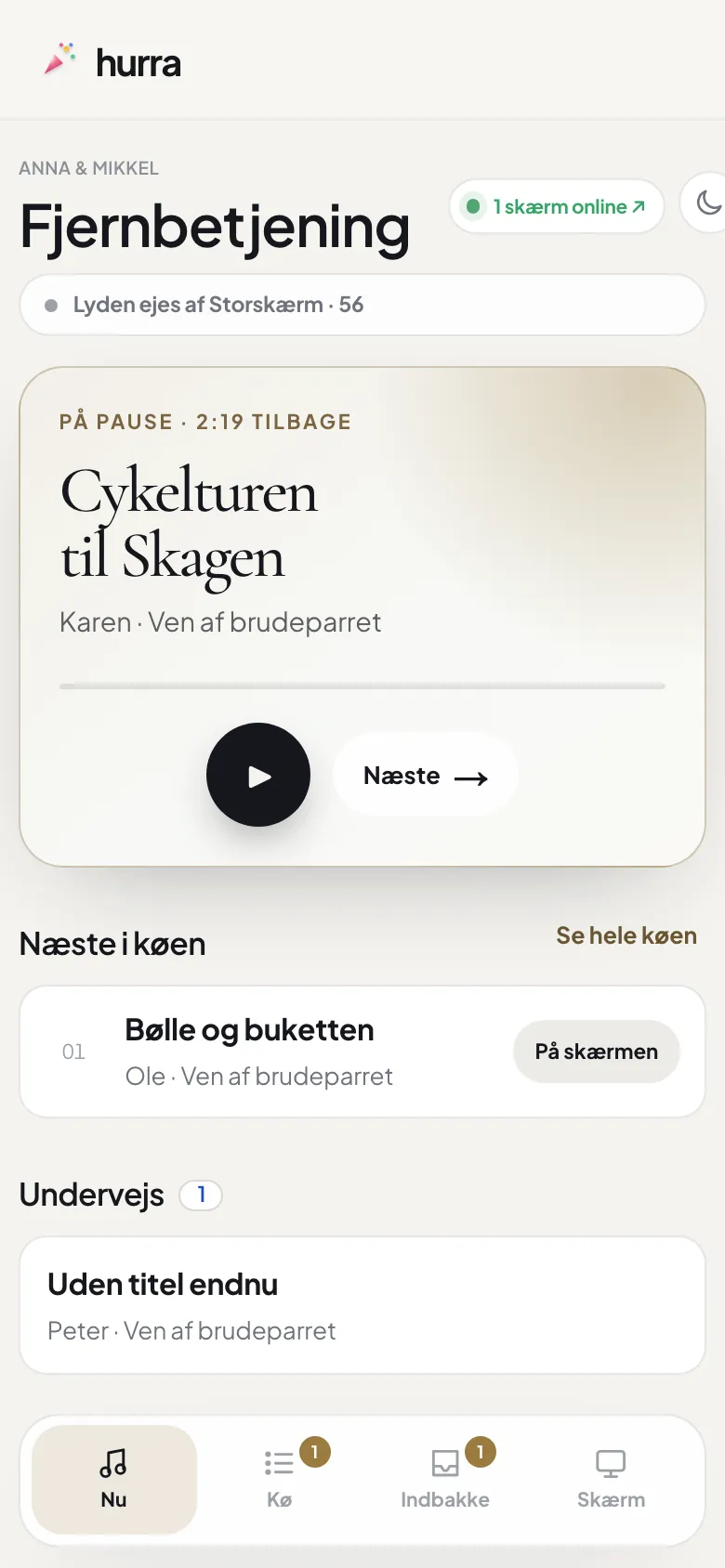
If you have a projector or a TV, open hurra on it in a browser. The QR code can stay on screen all evening, so the table furthest away can join in too. The remote is your own phone: pause, skip or change the order.
You decide what gets played
A Christmas party is still a work event. So you choose: either songs play automatically when they're ready, or you approve each song before it plays. Either way, you can hide a song with one tap while the party is on.
How many songs do you need?
Each story becomes one song. The Party package has 10 songs, Wedding has 30 and Premium 75. If you run out, you can buy 10 more songs for DKK 299 straight from your phone.
Also for summer parties, anniversaries and farewell parties
It works the same way at any work party where colleagues have something to tell: the years together, the in-jokes and what everyone remembers from last year.
Which package fits?
For a smaller team, the Party package with 10 songs goes a long way. If there are a lot of you, or want colleagues' photos on the big screen too, choose Wedding (30 songs and a photo album) or Premium (75 songs). The names are just names: every package works for any kind of party.
What it can sound like
Sample songs, written for made-up parties. At your party, the songs come from your guests' own stories.
“She is always first on the dance floor and always the last to leave. Nobody has ever seen her sit down at a party.”
“They met at a party at five in the morning. They haven't really slept since.”
See it in use
What it looks like at the party
From your guests' phones to the big screen and your own overview. The screenshots are from a made-up party, Anna and Mikkel's wedding. Like the songs, the guest pages and big screen are in Danish for now.
Questions and answers
Do colleagues need to install an app?
No. The QR code opens an ordinary web page in the phone's browser. No account, no login, no app. The songs are written and sung in Danish for now.
Can we approve the songs before they play?
Yes. You can choose to approve every song before it plays. You can also let them play automatically and hide a song with one tap.
Can the QR code go on the big screen?
Yes. Open hurra in a browser on the projector or TV, and the code can stay there all evening while the songs play from it.
What if we run out of songs?
You can buy 10 more songs for DKK 299 straight from your phone while the party is on.
Ready for the party?
You pay once, set everything up yourselves and download the table cards as a PDF. It can easily be done on the day of the party.